TikTok, Reels and Shorts
Hit the screen, cut to the crack. A 4-second vertical green screen clip with sound drops straight onto your timeline.
For CapCut · Premiere · Resolve
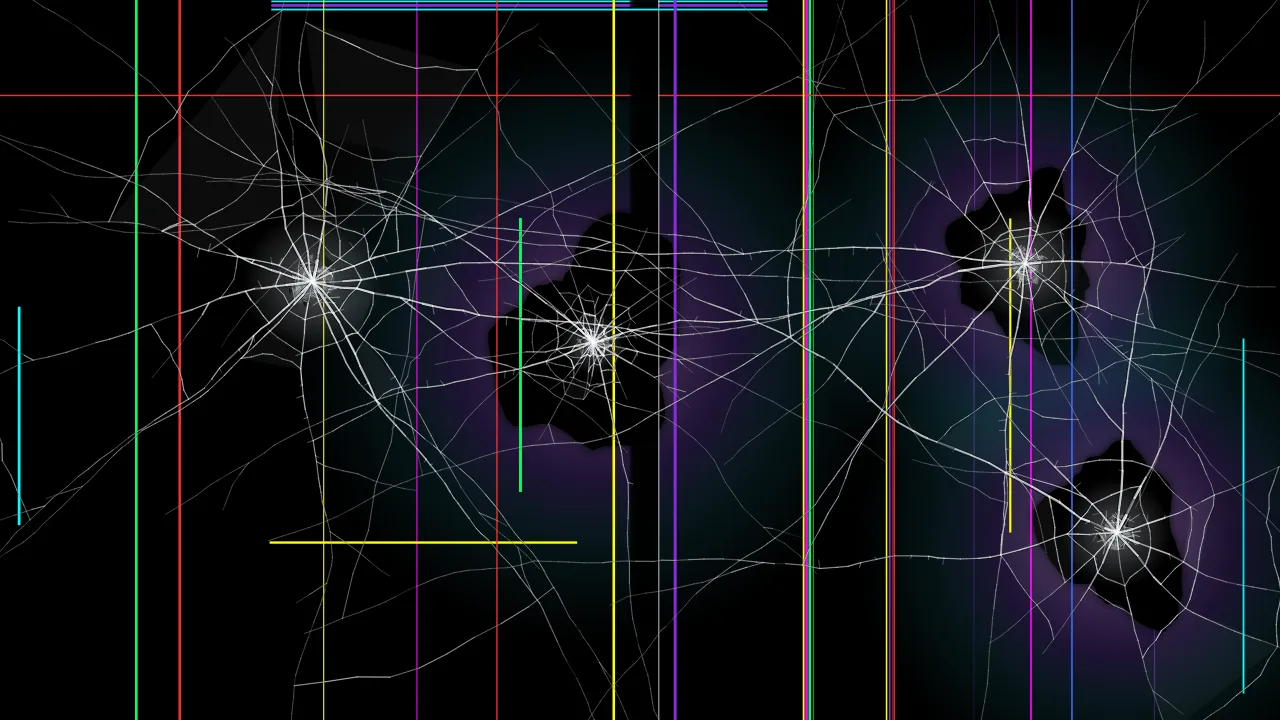
Export realistic cracked glass for your edits: a transparent PNG up to 8K, or a short green screen video of the screen breaking, with the sound already in sync.
F start prank N new crack D download Esc or long-press to exit
For creators
Hit the screen, cut to the crack. A 4-second vertical green screen clip with sound drops straight onto your timeline.
Lay a transparent cracked glass PNG over a thumbnail, game cover or poster for an instant broken-screen look.
Use 4K or 8K transparent PNGs as a broken monitor, phone or window in a scene, a menu or a cutscene.
Show a cracked screen in a presentation about device care, insurance or screen protectors without a stock-photo licence.
How it works
Editor guide
#00B140, a standard chroma green).In Premiere, place the overlay on V2 above your clip. A transparent PNG needs nothing else. For the green screen video, apply Effects › Keying › Ultra Key, pick the green with the eyedropper and set the output to Composite. In After Effects, use Keylight (1.2) with the green as the Screen Colour, or set a black-background version to the Screen blend mode.
In Resolve, put the overlay on track V2 and either set Composite Mode to Screen (for black) or open the Color page and use the 3D Qualifier to key the green; transparent PNGs work as they are. In Final Cut Pro, drag the Keyer effect onto the green clip, or place a transparent PNG above your footage.
Match your project: HD (1920 × 1080) for most social video, 2K (2560 × 1440) for a little room to zoom, 4K (3840 × 2160) for 4K timelines and thumbnails, and 8K (7680 × 4320) when you want to crop or punch in heavily. Use Portrait for vertical video. Because each export is drawn fresh at that size, an 8K crack is genuinely sharper than a 4K one — not an upscale.
Need a still instead? Browse ready-made designs on the cracked screen wallpaper page, or use the broken screen prank to break a real screen in front of someone.
Helpful answers
Pick a crack, press Download overlay, stay on the Image tab, choose Transparent as the background and PNG or WebP as the format, then pick HD, 2K, 4K or 8K. The PNG has a real alpha channel, so only the cracks are visible when you place it over a video or image.
For the green screen video: add it as an overlay above your clip, tap Remove BG and choose Chroma key, then pick the green colour and raise Intensity until the green disappears. For a transparent PNG: add it as an overlay and resize it to fill the frame.
Yes, unless you untick Include the shatter sound. The glass-breaking sound is recorded together with the animation so the crack and the sound are already in sync.
MP4 (H.264) in browsers that can record it, such as current Chrome, Edge and Safari, otherwise WebM. Both import into CapCut, Premiere Pro, DaVinci Resolve, Final Cut Pro and most phone editors; convert WebM with a free tool if your editor refuses it.
Yes. Images and videos you export here are generated on your device and are free for personal and commercial projects, including monetised videos. No attribution is required, though a link back is always appreciated. You may not resell the files as a standalone overlay pack.
Transparent is the most flexible. If your editor struggles with transparency, export on black and set the overlay blend mode to Screen or Lighten, which hides the black and keeps the bright cracks.