Hand over your phone
Ask a friend to look at a photo, then watch the screen crack under their thumb the moment they touch it.
iPhone · Android · Tablet
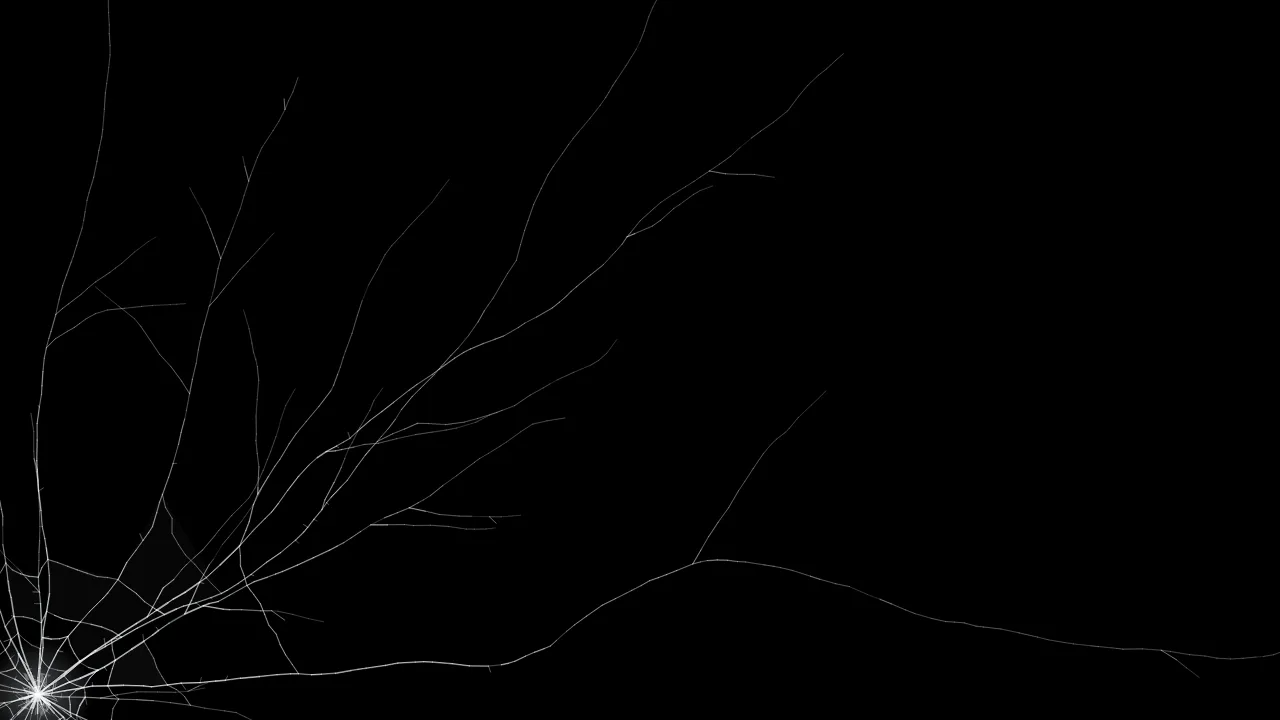
Make a perfectly good phone look like it just hit the pavement. The glass cracks under their finger, the phone buzzes, and the shatter sound does the rest.
F start prank N new crack D download Esc or long-press to exit
Made for phones
Ask a friend to look at a photo, then watch the screen crack under their thumb the moment they touch it.
Let the phone slip onto a sofa, pick it up, and turn round a screen with a fresh Corner drop crack.
Use a screenshot of their own lock screen so the damage sits over the wallpaper and clock they know.
Save a crack sized for your exact phone and set it as the lock screen. Phone wallpapers.
How it works
Phone prank guide
Almost everyone has dropped a phone and felt that half-second of dread before turning it over. That shared experience is exactly why the broken phone screen prank lands. A phone screen is small, held close and usually bright, so a realistic crack — with a crushed impact point, long radial lines and rings of broken glass — reads as real damage before anyone thinks to question it.
On this page the cracks are drawn at your phone's real pixel density, which on most phones is three device pixels for every point. That keeps every hairline sharp. Stretched cracked-screen photos look soft on a modern phone, which is the fastest way to give a prank away.
If you do not want to add a shortcut, the prank still works straight from Safari or Chrome; it simply fills the page below the address bar. Rotate the phone or scroll slightly to make the bar shrink.
Android is easier. Open the page in Chrome, Samsung Internet, Firefox or Edge, pick a crack, and tap Start the prank. The browser switches into true full screen and hides its own bars, so the broken glass covers the whole display. Phones that support it give a short double vibration when the glass breaks, which makes the moment feel physical. To exit, use the back gesture, press and hold the screen, or press Esc on a connected keyboard. You can also choose Add to Home screen or Install app from the browser menu so the prank opens full screen from an icon.
The most convincing version of the prank uses a screenshot of the victim's own phone. Take a screenshot of the lock screen or home screen (side button and volume up on iPhone, power and volume down on most Android phones), choose My screenshot on this page, and select the image. The cracks are drawn over it, so when they look at the phone they see their own wallpaper, clock and apps under the broken glass. The screenshot is processed on your phone and never uploaded.
No screenshot? The built-in Lock screen background shows a live clock and today's date on a modern gradient wallpaper, which is close enough for a quick hand-over.
If you would rather set a broken screen as a wallpaper, open Download and choose your phone from the device list. Sizes include iPhone 16 Pro Max (1320 × 2868), iPhone 16 Pro (1206 × 2622), iPhone 16 and 15 (1179 × 2556), iPhone SE (750 × 1334), Samsung Galaxy S24 Ultra (1440 × 3120), Galaxy S24 (1080 × 2340) and Google Pixel 9 Pro (1280 × 2856), or pick This screen to match whatever phone you are holding. More designs are on the cracked screen wallpaper page.
Phones are expensive and personal, so reveal the prank quickly — before your friend starts searching for repair prices. Never use a fake crack on a phone you are selling, returning or claiming on insurance. For more set-ups and reveal ideas, see the broken screen prank ideas, or try the full broken screen prank with every crack style.
Helpful answers
Open abrokenscreen.com in Safari, tap Share and choose Add to Home Screen. Open A Broken Screen from the new icon, pick a crack and a background, and tap Start the prank. Launched from the Home Screen it runs without the Safari address bar, so the cracks cover the whole display. Long-press the screen to exit.
iPhone Safari does not let websites switch into true full screen. The prank still fills everything below the address bar, but for a perfect edge-to-edge broken screen, add the page to your Home Screen and open it from there.
Yes. On Android the prank switches into real full screen in Chrome, Samsung Internet, Firefox and Edge, hides the navigation bar where the system allows, and vibrates when the glass breaks.
Yes. With When they touch, click or type selected, the first touch breaks the glass right under their finger. Every tap after that adds another crack, unless you switch Every tap cracks it more off.
Turn up the media volume and, on iPhone, flip the ring/silent switch to ring, because iOS mutes web audio in silent mode. Some browsers only allow sound after you have tapped the page once, which Start the prank takes care of.
Not on most phones. Keep the screen awake is on by default and uses the browser wake lock so the display does not dim or lock while you wait for your victim.
Yes. Open Download, pick your phone from the device list — for example iPhone 16 Pro Max at 1320 × 2868 or Galaxy S24 Ultra at 1440 × 3120 — and save the image. Then set it as your lock screen or home screen wallpaper in Settings.
No. It is a free website, so there is nothing to install and no permissions to grant. Adding it to the Home Screen simply creates a shortcut that opens it without the browser bars.