Prank friends and family
Leave a laptop open or hand over your phone with the prank armed. The screen shatters, with sound, the moment they touch it.
Free · No app · Works on any screen
Turn any phone, tablet or computer into a convincingly smashed screen. Pick a crack, choose when it breaks, hand the device over — and wait for the gasp. It is fake, harmless and gone the moment you press Esc.
F start prank N new crack D download Esc or long-press to exit
One prank, many uses
Leave a laptop open or hand over your phone with the prank armed. The screen shatters, with sound, the moment they touch it.
Record the crack as a vertical video with sound, or export a transparent PNG to drop over your own footage. Get the overlay.
Save any crack as a wallpaper sized for your exact phone or monitor, from HD and 2K up to 4K and 8K. Browse wallpapers.
Teachers, phone shops and repair benches use a realistic cracked screen to show what a drop can do, without breaking anything.
How it works
Why it fools people
Most broken screen prank sites stretch one small photo across your display. This one draws the glass for your screen, at its native resolution, the instant it breaks.
| Feature | A Broken Screen | Typical prank sites |
|---|---|---|
| Sharpness | Drawn at your screen's native resolution, up to 8K | A fixed image stretched to fit, often blurry |
| When it breaks | On first touch, mouse movement or a timer | Already cracked when it opens |
| Looks like their device | Your screenshot or a live lock screen behind the glass | Black or a stock photo |
| Sound and feel | Glass-shatter sound, vibration on Android | Silent |
| Crack designs | 8 styles, unlimited patterns, tap to add more | A handful of fixed pictures |
| Downloads | HD, 2K, 4K, 8K and exact phone sizes in PNG, JPG or WebP | One small image, if any |
| For creators | Transparent PNG and green screen video with sound | Not available |
| Exiting | Esc or long-press, always | Sometimes hidden or locked |
| Privacy | Runs in your browser, no pop-ups, no uploads | Pop-up windows and heavy ads |
The complete guide
A broken screen prank makes a perfectly healthy phone, tablet or computer look as if the glass has just shattered. You open a fake broken screen in full screen, hand the device to a friend or leave it on a desk, and let their imagination do the rest. The best version of the joke lasts a few seconds: a sharp intake of breath, a frantic “what did you do?”, and then the reveal that nothing is wrong.
The prank has been around since the first smartphones, usually as a blurry photo of a cracked iPhone. This page takes a different approach. Instead of one picture, every crack is generated for your screen at the moment it breaks, so it looks right on a 6-inch phone, a 14-inch laptop or a 4K monitor — and it can break when they touch it, which is what really sells it.
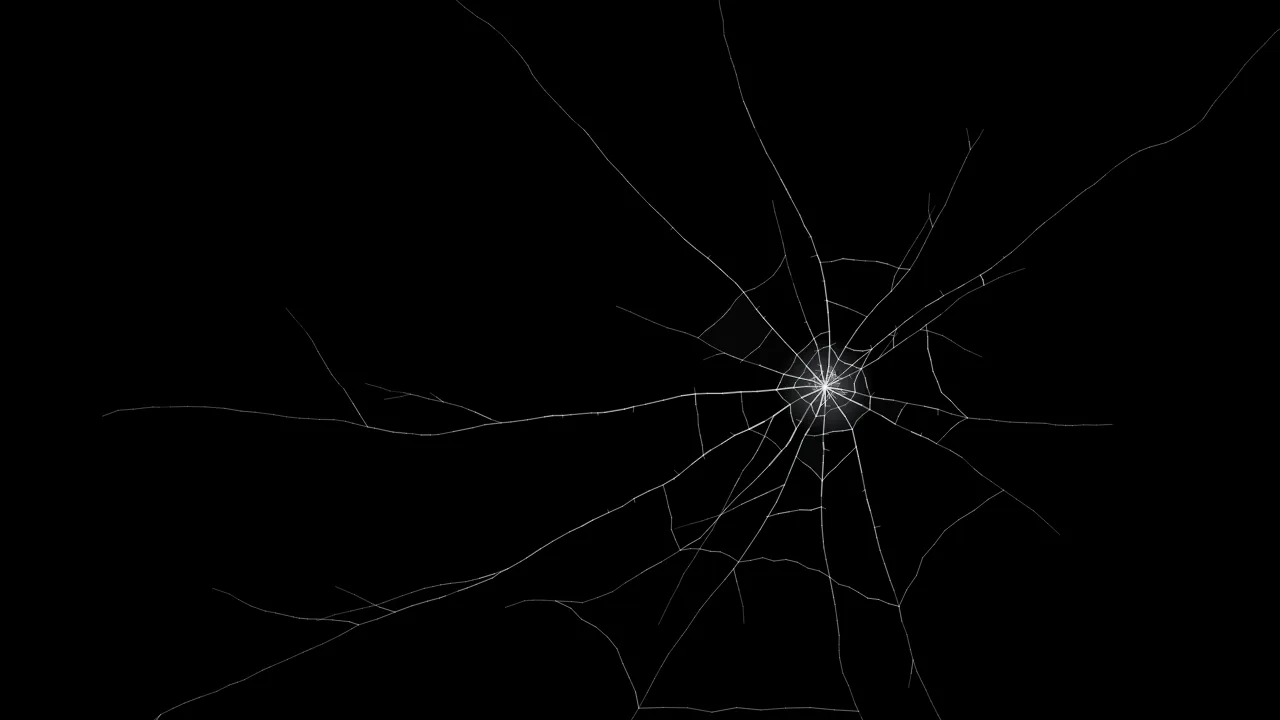
Real cracked glass follows a pattern. A hard knock creates a small crushed area full of tiny fragments. Long radial cracks race outward from that point, splitting and kinking as they go, and shorter cracks form rings around the impact like a spider's web. Each fragment sits at a slightly different angle, so some catch the light and some look darker. The crack generator models all of that: a crushed, glowing core, radial cracks that branch and taper, jagged ring cracks, tinted shards and a thin bright edge on each crack where light hits the broken glass.
Resolution matters too. A cracked screen image that has been stretched looks soft and pixelated, which gives the game away instantly. Here the cracks are drawn directly at your display's native pixel density — three device pixels per point on most phones — so every hairline stays razor sharp. Add the sound of glass breaking and a short vibration on Android, and most people do not stop to question it.
Phones are where this prank works best, because a cracked phone screen is something almost everyone has seen. On Android, Start the prank switches Chrome, Samsung Internet or Firefox into true full screen, and the phone vibrates when the glass breaks. On iPhone, Safari does not let web pages hide its address bar, so the prank fills the visible page instead. For a flawless edge-to-edge result, tap Share, choose Add to Home Screen, and open the prank from the new icon. The broken phone screen prank page walks through both in detail and starts with a portrait lock screen.
On a computer, press F or Start the prank to go full screen. Choose When the mouse moves and walk away: the next person to nudge the mouse or press a key sees the screen shatter. LCD bleed adds the coloured lines and black ink leak that real laptop panels show when they break, and the cursor stays hidden so nothing looks out of place. The broken laptop screen prank page includes screenshot shortcuts for Windows, Mac and ChromeOS.
Every style can produce unlimited variations. Press New crack for a fresh pattern, drag the Damage slider for more or fewer cracks, and tap the preview to add impacts wherever you like. Found one you love? Copy link saves that exact crack so you can open it again or send it to someone.
The same cracks can be saved as files. The download window renders any crack at HD, 2K, 4K or 8K, or at the exact size of an iPhone, Galaxy, Pixel, iPad or MacBook, in PNG, JPG or WebP. Pick a black background for a cracked screen wallpaper, transparent for a cracked screen overlay in your video editor, or green screen for keying. The video tab records a short clip of the glass cracking with sound, ready for TikTok, Reels and Shorts.
Yes. The prank is a normal web page that draws an image in your browser. It cannot reach your files, change settings or touch the hardware, and it never asks for permissions, pop-ups or downloads. Escape always exits full screen, and a long-press shows an exit button on touch screens, so you are never stuck. When you close the tab, nothing is left behind.
The broken screen prank is funny because the fear lasts a moment. Keep it that way: reveal the joke quickly, pick someone who will laugh, and avoid people who are anxious, unwell or have just paid for a repair. Do not use a fake crack to deceive an employer, a school or a shop, and never use cracked screen images to support an insurance or warranty claim — that is fraud, not a prank. For more set-ups, timing tips and reveal ideas, read the broken screen prank ideas guide.
A Broken Screen is free, needs no account and runs entirely in your browser. Screenshots you use stay on your device, and downloads are generated locally with no watermark. Bookmark it, add it to your home screen, and the next time someone leaves their laptop unlocked, you will be ready.
Helpful answers
The broken screen prank fills a phone, tablet or computer with a realistic image of cracked glass so the device looks smashed. On this page the cracks are drawn live in your browser, can appear the moment someone touches the screen, and come with a glass-shatter sound. Nothing is actually broken and you can exit at any time.
No. It is an ordinary web page that draws an image. It cannot change settings, read files, install anything or affect the hardware. Closing the tab or pressing Escape returns everything to normal.
Press Esc on a keyboard, or press and hold anywhere on the screen for about a second and tap Exit prank. On a phone you can also swipe away or close the browser tab. The prank never locks the device.
Yes. It runs in Safari and Chrome on iPhone and iPad. Because iPhone Safari keeps its address bar visible, tap Share and then Add to Home Screen, and open A Broken Screen from the new icon: the prank then fills the whole display edge to edge.
Yes. Android browsers support true full screen, so the cracks cover the entire display, and phones that support it will vibrate when the glass breaks.
Yes. Set When should it break to When they touch, click or type, then start the prank. The screen looks normal until the next touch, click or key press, and the crack appears exactly where they touched. You can also trigger it when the mouse moves or after a timer from 5 seconds to 5 minutes.
Yes. A glass-shatter sound is generated in the browser each time the screen cracks, so every break sounds slightly different. Turn the volume up first. On iPhone the silent switch also mutes web audio, so switch it to ring.
Yes. Choose My screenshot and pick an image from your device. The cracks are drawn over it so the broken screen looks like their real home screen or desktop. The image never leaves your device; it is only stored in your own browser so the prank still works after a reload.
Yes. Press Download and choose HD (1920 × 1080), 2K (2560 × 1440), 4K (3840 × 2160) or 8K (7680 × 4320), in landscape or portrait, or pick an exact phone or monitor size. Images are rendered at that size rather than upscaled, so the cracks stay sharp. PNG, JPG and WebP are available, plus transparent and green screen backgrounds.
Yes. In the Download window, open the Video with sound tab to record a 4-second clip of the crack spreading, with the shatter sound, in vertical or horizontal HD. Use the green screen background to key it over your own footage.
No. It is a self-contained page that only draws cracks. It does not ask for permissions, pop-ups or downloads to run, and it shows no fake warnings. If a site claims your real device is infected or broken and asks you to call a number or pay, that is a scam and nothing to do with this prank.
Yes, completely. There is no sign-up, no watermark on downloads and no app to install. Downloaded images and videos are free for personal and commercial use.